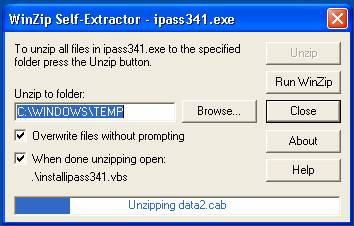
iPass v2.4.0 to v3.4.1 Upgrade via Landesk
The following screenshots depict your desktop experience when a deployment package for iPass v3.4.1 has been received.
Figure 1.1 The Landesk package arrives and automatically decompresses to your computer’s TEMP folder.
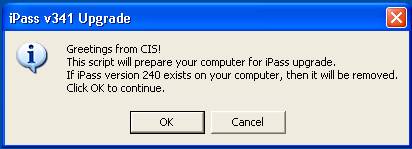
Figure 1.2 The iPass install script announces the purpose of the upgrade and offers you the options to continue or exit.
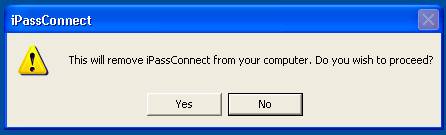
Figure 1.3 iPass v2.4.0’s uninstaller is invoked and prompts you to proceed.
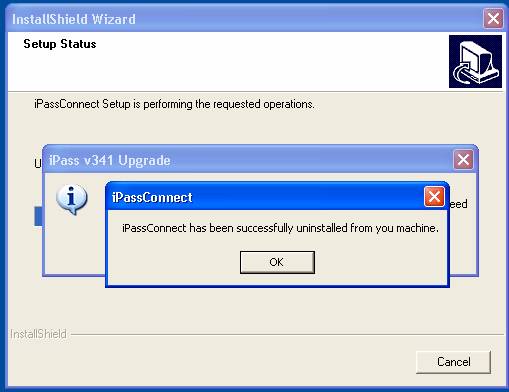
Figure 1.4 The iPass v2.4.0 uninstaller completes the uninstallation process. Your computer is ready to install iPass version 341.
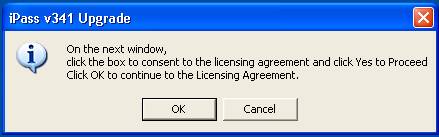
Figure 1.5 The iPass 341 install script advises you to accept the Licensing Agreement that appears at the beginning of the installation.
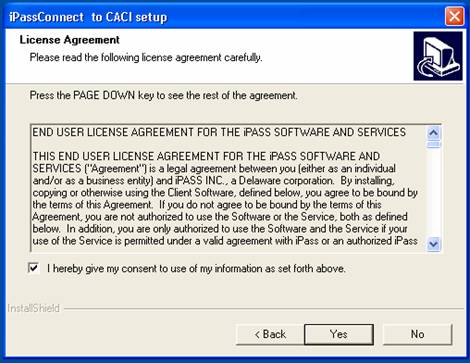
Figure 1.6 You must give your consent to the License Agreement and click Yes to proceed.
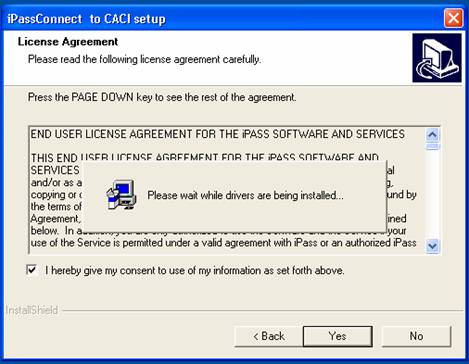
Figure 1.7 The iPass v3.4.1 installation begins.
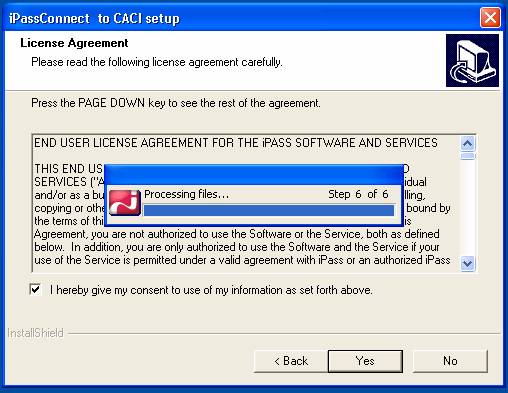
Figure 1.8 The iPass v3.4.1 installation completes after working through steps 1 through 6 for about 1 minute. The installer exits and an iPass shortcut appears on the desktop.